
Toyota Camry (XV70): Inspection
INSPECTION
PROCEDURE
1. INSPECT REAR SPEAKER ASSEMBLY (for 6 Speakers)
(a) With the speaker installed, check that there is no looseness or other abnormalities.
(b) Check that there is no foreign matter in the speaker, no tears on the speaker cone or other abnormalities.
| (c) Measure the resistance of the speaker. Standard Resistance:
If the result is not as specified, replace the speaker. |
|
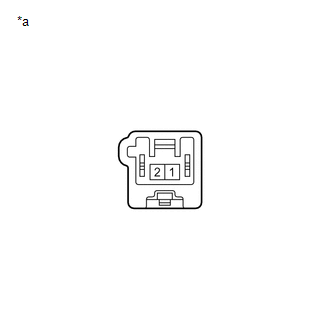
2. INSPECT REAR SPEAKER ASSEMBLY (for 9 Speakers)
(a) With the speaker installed, check that there is no looseness or other abnormalities.
(b) Check that there is no foreign matter in the speaker, no tears on the speaker cone or other abnormalities.
| (c) Measure the resistance of the speaker. Standard Resistance:
If the result is not as specified, replace the speaker. |
|
READ NEXT:
 Installation
INSTALLATION CAUTION / NOTICE / HINT
HINT:
Use the same procedure for the RH side and LH side.
The following procedure is for the LH side.
PROCEDURE 1. INSTALL REAR SPEAKER ASSEMBLY
NO
Components
COMPONENTS ILLUSTRATION
*1 REAR DOOR OPENING TRIM WEATHERSTRIP LH
*2 REAR DOOR OPENING TRIM WEATHERSTRIP RH
*3 REAR SEAT CUSHION ASSEMBLY
*4 REAR SEAT CUSHION LOC
SEE MORE:
Removal
REMOVAL CAUTION / NOTICE / HINT
NOTICE:
Immediately after installing the brake pads, the braking performance may be reduced. Always perform a road test in a safe place while paying attention to the surroundings.
After replacing the rear disc brake pads, the brake pedal may feel soft due t
Steering Pad Switch Circuit
DESCRIPTION This circuit sends an operation signal from the steering pad switch assembly to the radio and display receiver assembly.
If there is an open in the circuit, the audio system cannot be operated using the steering pad switch assembly.
If there is a short in the circuit, the same condit
